

Text in Scans and Pictures
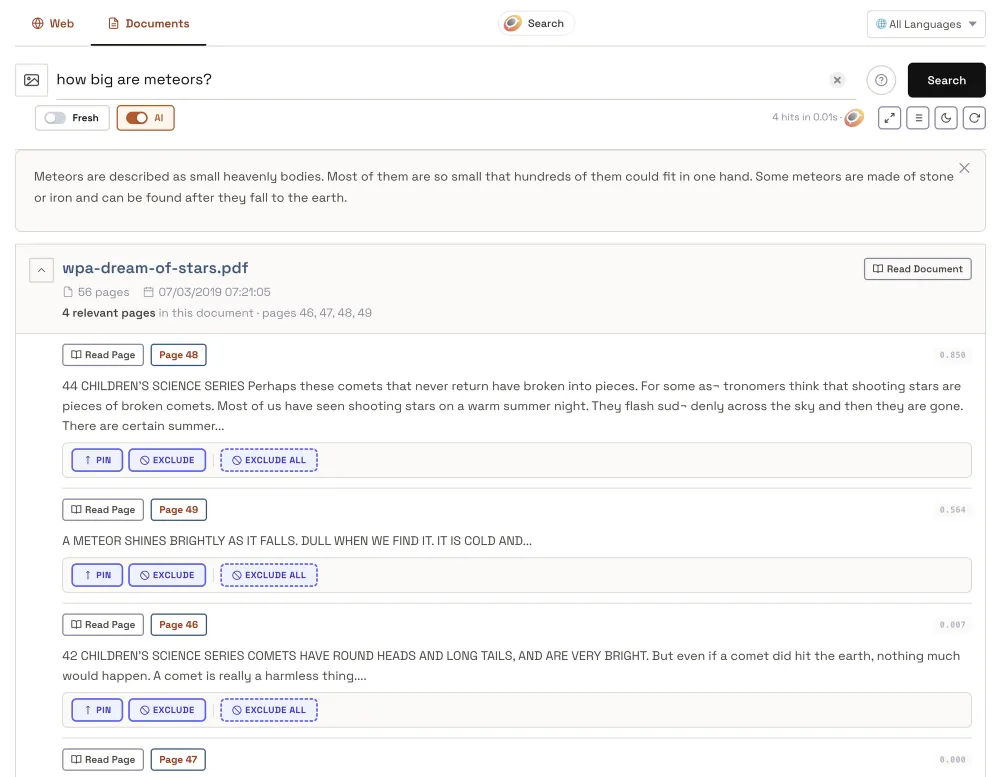
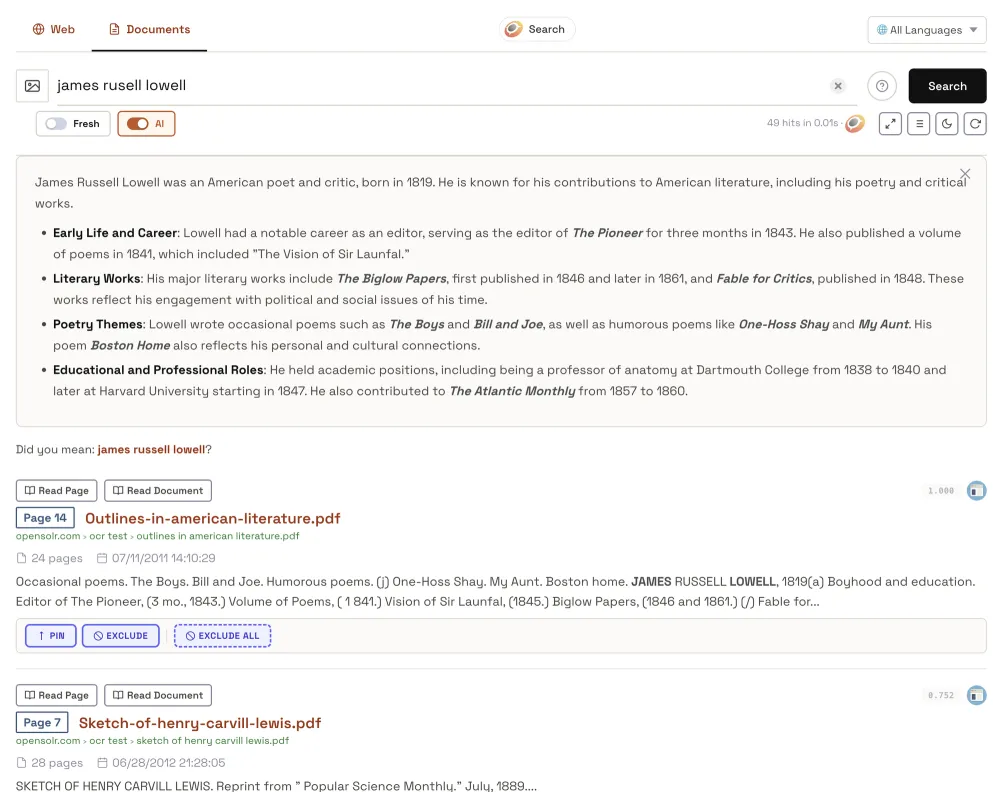
Opensolr reads the text printed in scanned PDF pages and in the pictures inside your PDFs. A scanned contract, a brochure made of images or a photographed label inside a PDF is found by its words, like any other text.
Every page of a PDF is its own search result, so a visitor lands on the exact page that answers the search.
How the pictures are read
- Each picture is read in the language of its page. When the page has no text to tell, in the language of the document; when that is unknown too, in English first, then again in the language the text turns out to be.
- Very small pictures, like logos, icons and bullets, are skipped.
- Only words read with confidence are kept, so stains and noise do not turn into words.
- A word read with one wrong letter can still be found: the read text also matches by sound.
- A picture with no text in it can get a short description of what it shows: Pictures described by what they show.
Where it happens
- Crawling: automatic, for every PDF Opensolr finds on your site, on every index. See Documents on your site.
- Data Ingestion: send a PDF by its URL with
rtf:true, or upload the file. See Files and documents and PDFs page by page. - Your own code: read the text in pictures and documents by API: Pictures and documents by API.
What it uses from your plan
- On a crawl, reading pictures is free.
- On Data Ingestion and by API, each picture read uses part of one AI request of the account that owns the index.
- A picture read before is free, and the plain text of a document never counts.
- When the monthly AI allowance runs out, pictures are still read; only the descriptions of pictures without text wait.
See it live
Search inside scanned public-domain PDFs on the OCR search demo.
Meaning, pictures, answers
- Hybrid search
- Search operators
- Meaning vectors
- Text in scans and pictures
- Pictures by what they show
- Search by image
- AI Hints
- AI Reader