

Your Drupal site can talk to your visitors. The Opensolr Chat Bot is a chat window on your pages that answers questions from your own pages, products and documents, and links every page it mentions. It is ready the moment your index has your content: the same content the module already sends for your search page.
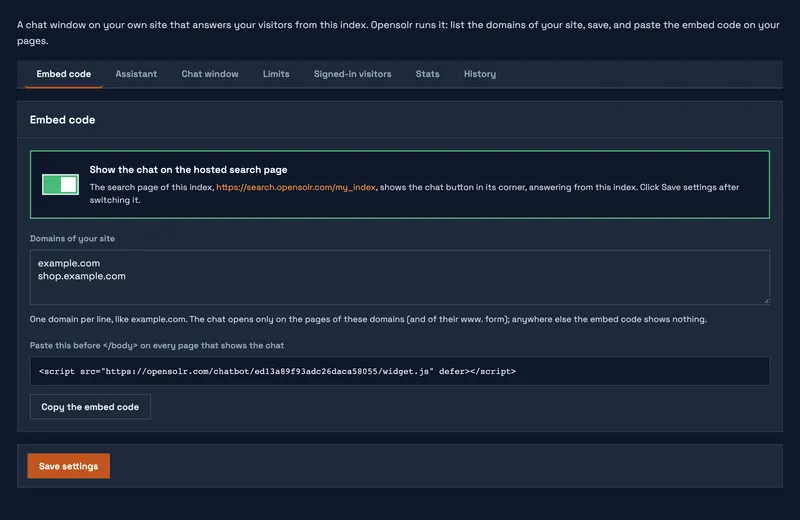
Opensolr runs the chat for you. There is nothing to install and nothing to set up in Drupal: the Chat Bot tab of Opensolr Search opens the Chat Bot of your index in one click, and one switch there puts the chat on every page of your site. Turn it on in four steps.
What your visitors get
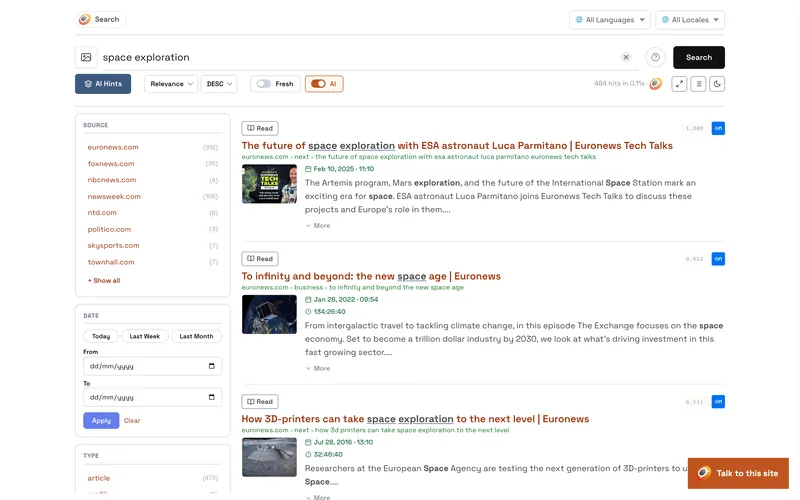
- A chat button in the corner of your pages, with your logo, colour and words.
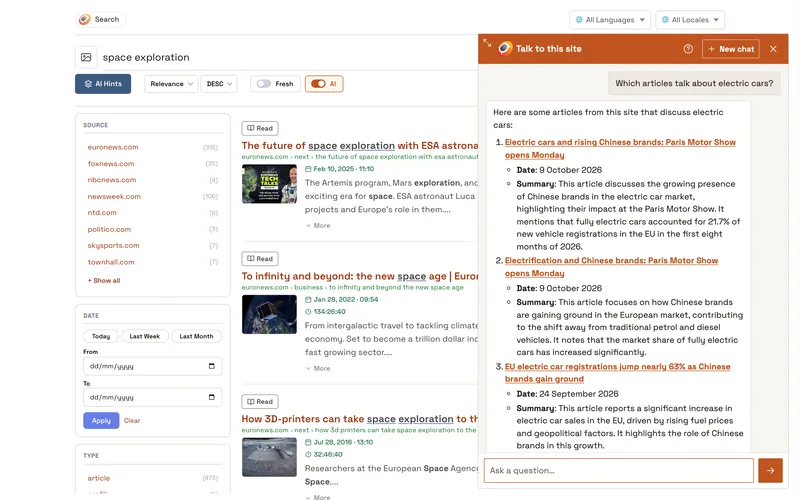
- Answers written from your content, word by word, in the visitor's own language, with every page, product and PDF page linked.
- A plain "I don't know" when your site does not have the answer, instead of something made up.
- Quick answers to commands like
/search,/timeor/translate: Commands.
What you get
- Your own instructions for the assistant, the look of the chat window and limits per visitor.
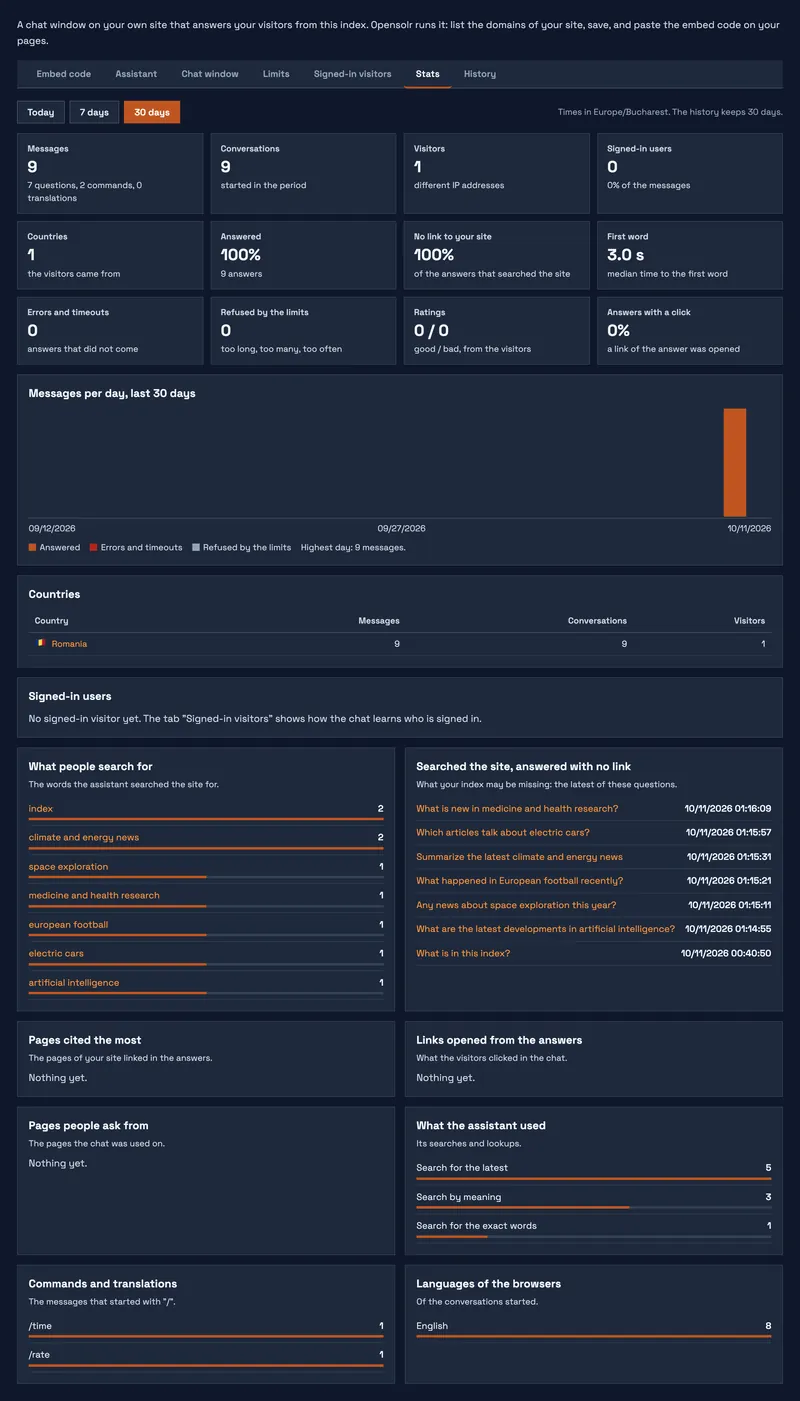
- Stats and the full history of every conversation, so you see what people ask and what your site does not answer yet.
- All of it in the Opensolr Control Panel of your index: Its settings, stats and history.
Screenshots
What it needs
- The module connected to your Opensolr Index, with your content in it: Data Crawler or Data Ingestion.
- An index in a region with site search, and the AI of your plan: What the chat bot needs.
The free plan and every current plan include AI with 500 AI requests a month, and the chat answers with them: What it uses from your plan. The product page: Opensolr Hosted Chat Bot.
Chat Bot pages
- Chat Bot overview
- Turn it on in four steps
- Its settings, stats and history