

Chat Bot
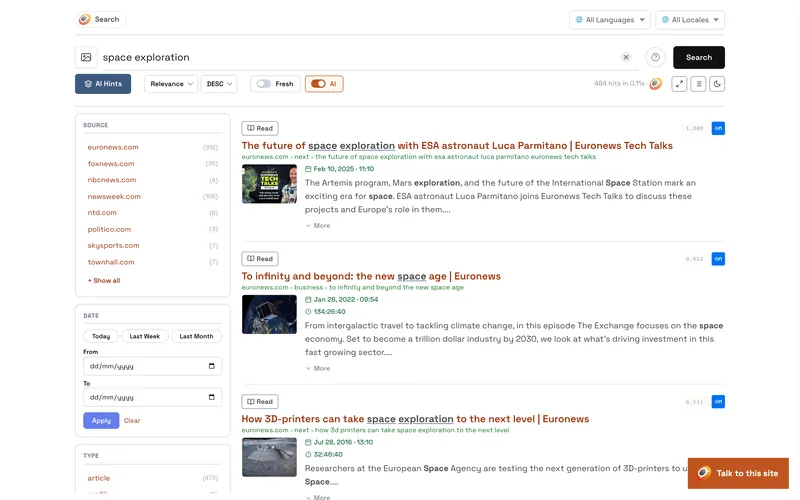
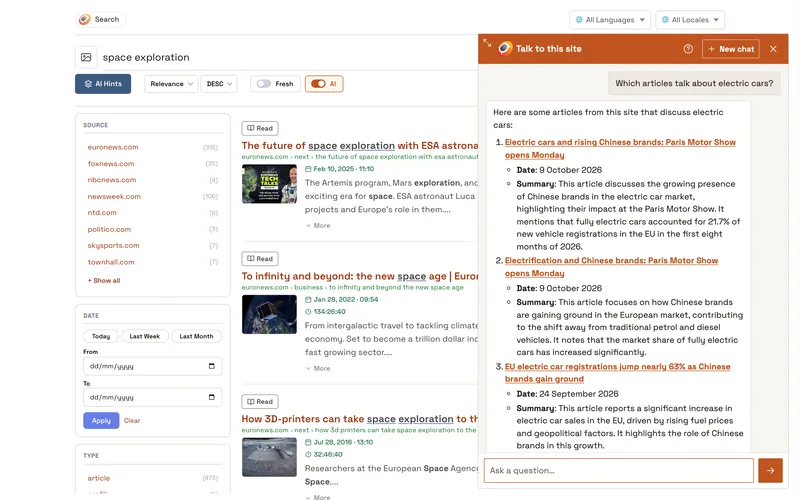
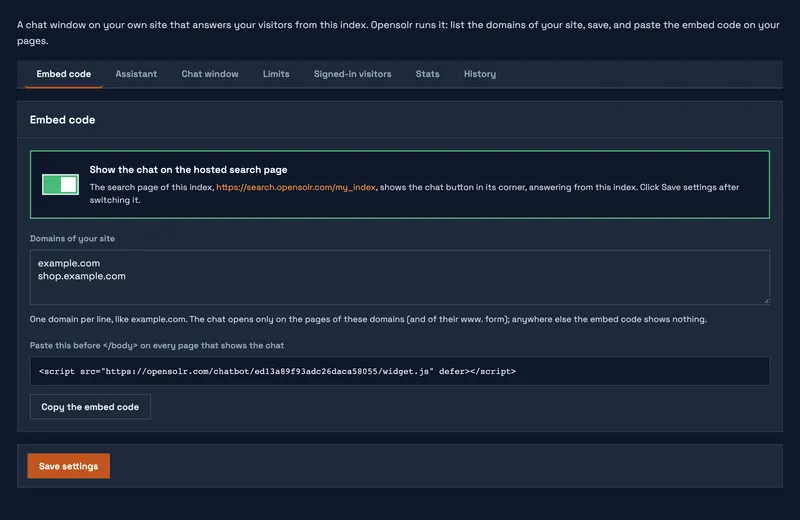
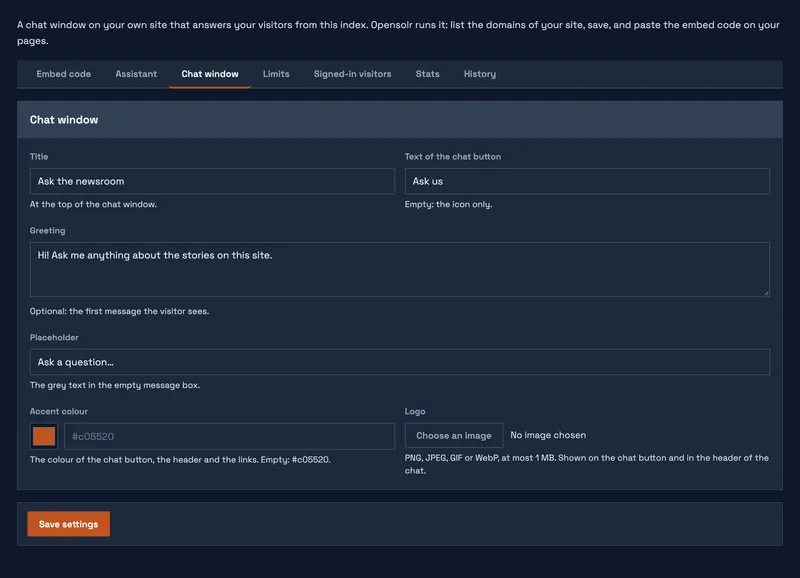
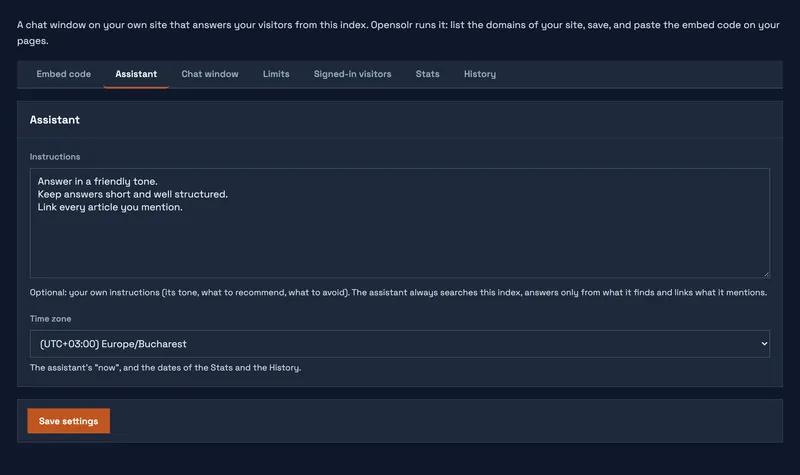
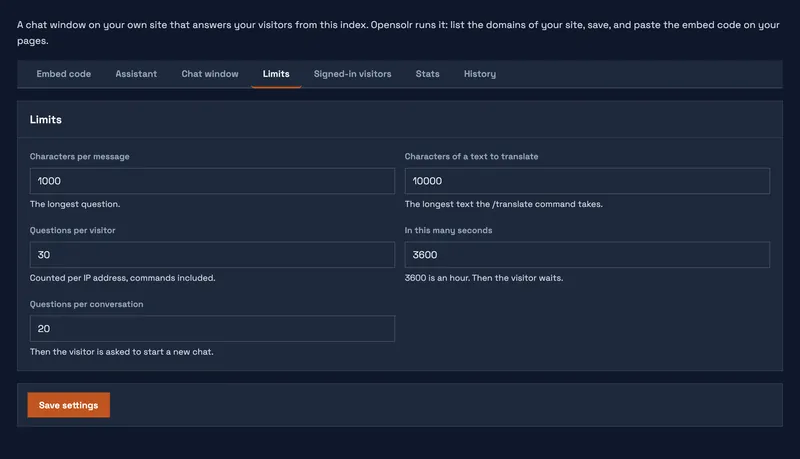
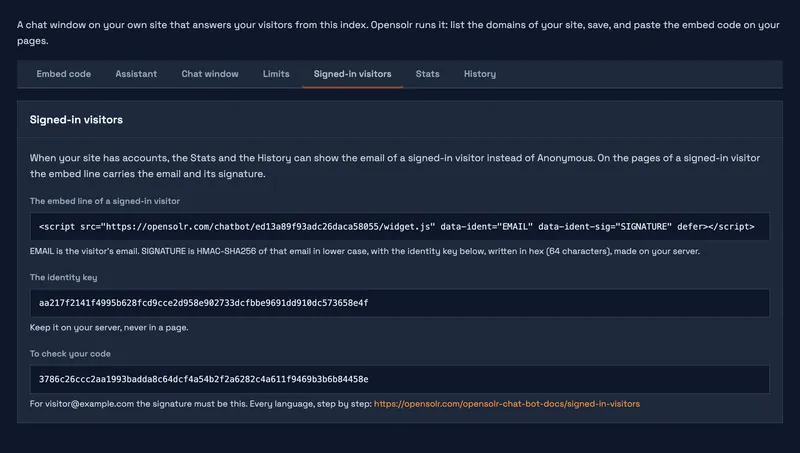
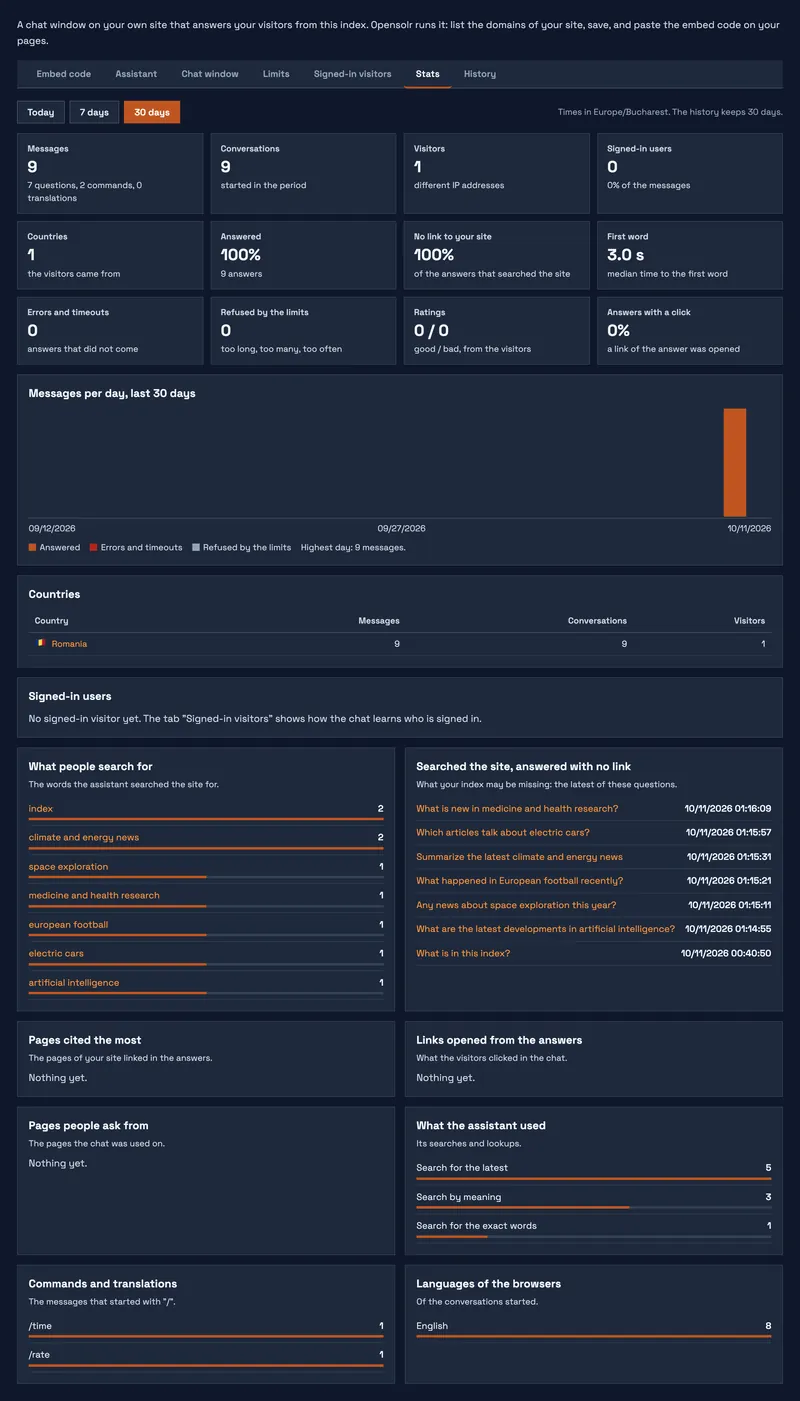
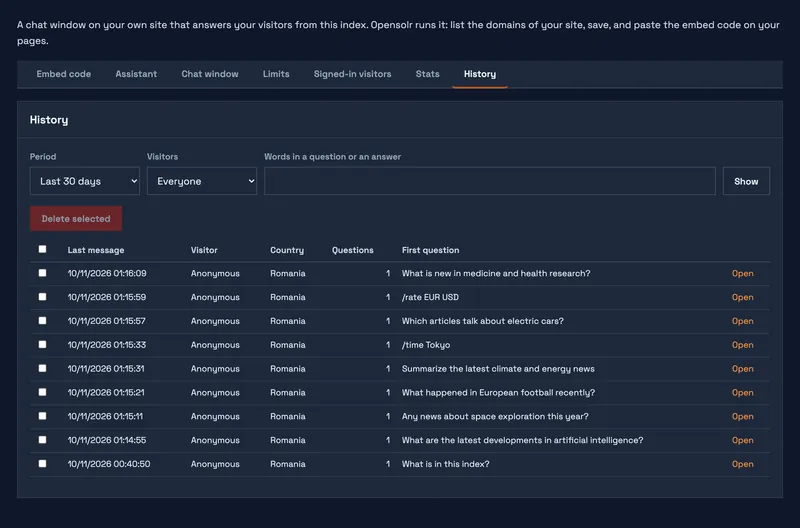
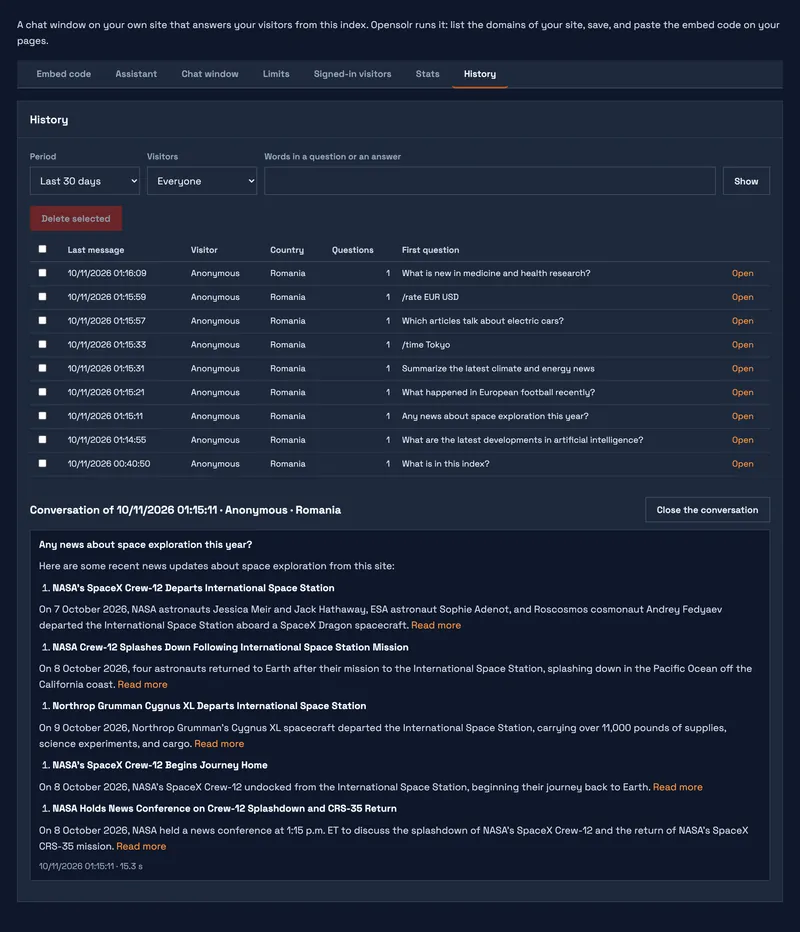
Every Opensolr Index in a region with site search comes with a chat bot, the out-of-the-box chat of Enterprise Site Search. It is a chat window on your own website that answers your visitors from the content of the index: your pages, products and documents. Opensolr runs it, so there is nothing to install on your server. You paste one line on your pages, or switch it on for the hosted search page of the index and for your Drupal or WordPress site. Each part of it has its own page, listed at the bottom.
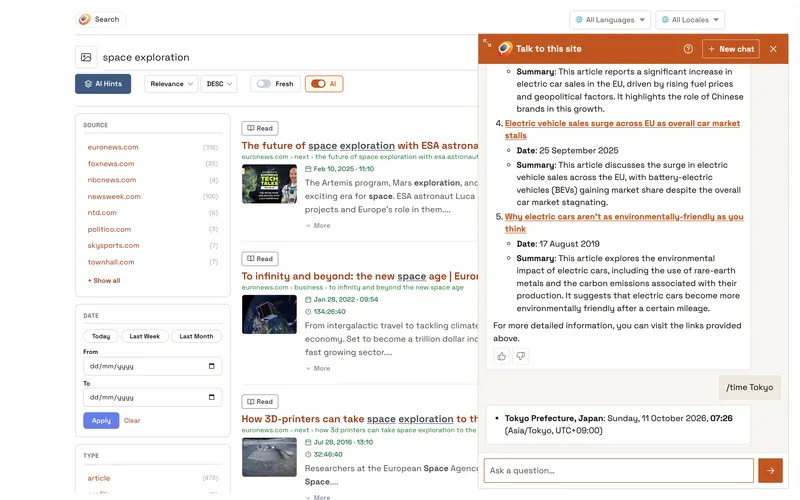
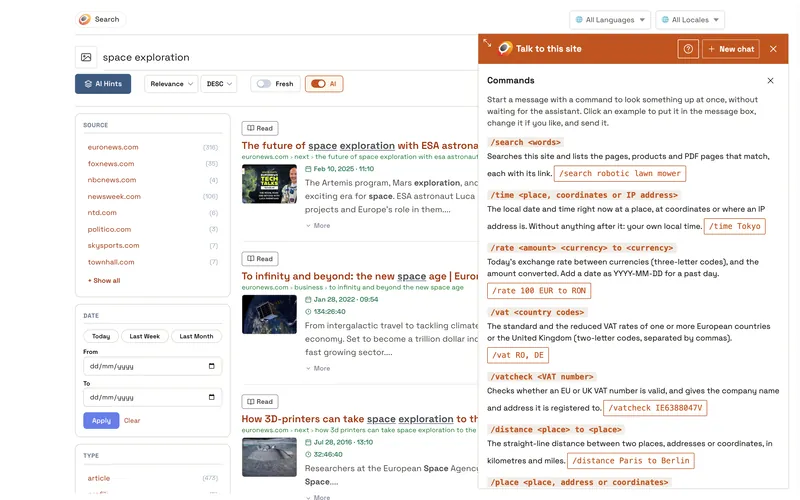
The chat searches your index the way a person would, writes the answer from what it finds and links every page, product and PDF page it mentions. It answers each visitor in the visitor's own language, word by word, and says so when your index does not have the answer. What it searches and looks up: what the chat bot can look up; what visitors can type for an answer at once: commands. The product page: Opensolr Hosted Chat Bot.
Screenshots
Three ways to have it
The embed code from your Opensolr account, the open source Opensolr Chat Bot client on your own server, or the Opensolr Search module for Drupal: Three ways to have your Opensolr chat bot.
Chat Bot pages
- Chat Bot overview
- Three ways to have your chat bot
- What the chat bot needs
- Put the chat on your site
- Show it on your search page and site
- Assistant: instructions and time zone
- Chat window: look and words
- Limits
- Signed-in visitors
- Stats
- History
- What your visitors see
- Commands
- What it can look up
- What it uses from your plan