

See AI site search in action: hybrid search, RAG answers and search by image, on real indexes.
A six-minute narrated tour, two short screen recordings and 41 real screenshots, nothing staged: live catalogues and news indexes searched the way people actually search, with a question in plain words or a photo instead of words. Every feature you see has its own page in Enterprise Site Search.
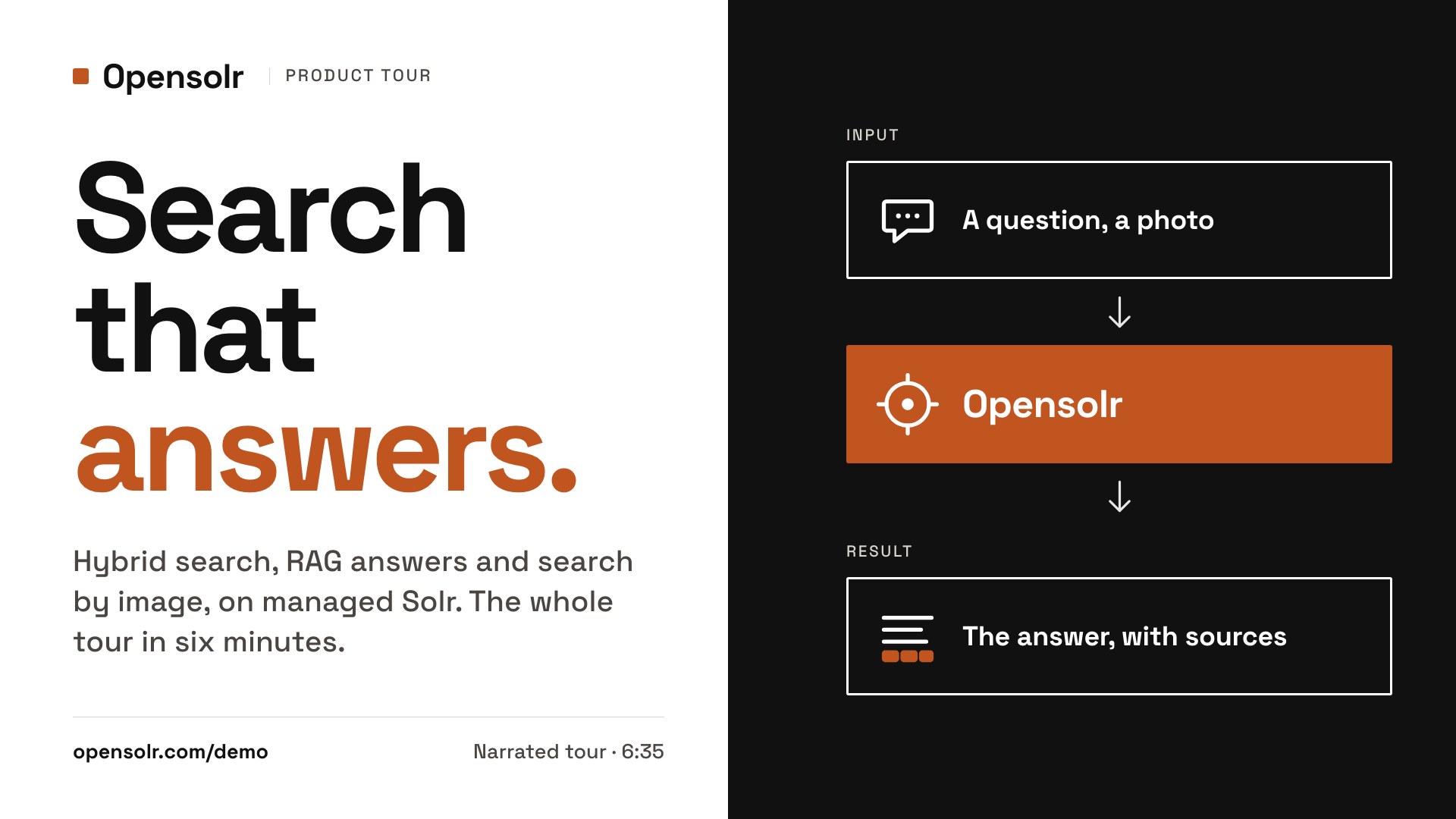
Six minutes, narrated, no cuts that hide anything.
Both recordings are hosted Opensolr search pages, the same pages our customers put in front of their visitors. The voice says what is being searched and what comes back, as it happens on screen.
Search by image: a photo goes in, results come out
Photos picked from a folder, nothing typed. A shelf tag photographed in a store, a lily, a kitten, a dog, a bat, a snake, a daffodil, a supplement label, each dropped into search pages that have nothing to do with each other: a home-improvement retailer, a UK jewellery shop, an international news index.
- The shelf tag is read, and the exact interior door it was stuck to comes back first.
- A lily photo returns Lilium plants and flower seeds; a kitten returns kitten food and a kittens canvas print.
- The same dog photo returns leashes and collars on the DIY store, dog stories on the news index, and dog pendants at the jeweller.
- A bat returns bat earrings and a bat pendant; a snake, a snake necklace and ring; a daffodil, daffodil studs.
- A supplement label photographed in English returns the supplement recall articles on the news index.
It is on every hosted search page, with no extra setup: visitors see the camera icon next to the search box. Scanned PDFs and the pictures inside them are read the same way, so a PDF made only of images is searchable too.
Hybrid search and AI answers: ask the way you would ask a person
Three indexes, three clumsy questions. Keyword search alone would have missed every one of them; Opensolr’s hybrid search reads the meaning as well as the words, and the AI layer answers from the documents it found, with the sources shown.
- News: “to which player is that guy in agreement of, to include in the Italian team?” finds the Tresoldi and Mancini story, and AI Hints summarises it.
- Home improvement: “wall art with red flowers in it 150” returns the 150 × 95 cm red-flowers canvas first; change the number to 90, the 90 × 60 cm one comes first.
- The AI reader summarises a product page: dimensions, material, price, availability.
- Jewellery: “something to wear around my neck, with a canine variety” returns terrier and labrador pendants.
The same search is available by REST API, in the free Drupal module and WordPress plugin, and in the LangChain, LlamaIndex, Haystack and Laravel packages.
One photo, three indexes, three different right answers.
The picture goes in, Opensolr turns it into a search on the index you already have. A label or a shelf tag is read, so the exact item comes back first; a barcode or QR code is decoded off the picture.
Click any screenshot to see it full size. Search by image is on every hosted search page; by API it uses AI requests of your plan. How search by image works.
Keyword precision and semantic recall in one query, then an answer with its sources.
Exact product codes still match exactly, while a question in other words, or another language, still lands on the right document. Then the answer is written from those documents, with the sources shown. Several screenshots are from the live sandbox, where you can run the same comparison on your own website in about a minute.
Read more: Hybrid search · AI Hints · answers by API · LangChain, LlamaIndex, Haystack and MCP for AI agents · Drupal and WordPress.
A video site, crawled like any other site. Duration, channel and category come out as filters.
Everything on these three screens started with one action: the site’s address pasted into the crawl. Opensolr reads the video details the site publishes (duration, upload date, channel, category, tags, the transcript) and keeps them as fields of the index. The duration slider and the channel and category lists were switched on in the Control Panel; nothing was written for this site.
Read more: Video details · Facet filters · Crawl your site.
See what people search for, then make the results better without touching the index.
Every search page reports the queries, the clicks and the searches that returned nothing. Search Tuning sits next to those numbers, and the next search already uses what you change. Pin a result, exclude another.
Read more: Search Tuning · Search analytics · Query Elevation · Index analytics.
Fully managed Apache Solr hosting, from one shared index to dedicated enterprise clusters.
Everything above runs on Opensolr’s managed Solr hosting: config files edited in the browser, bandwidth and disk tracked per index, two-factor authentication, HTTP auth and IP allow-lists per index, backups you restore yourself. Need more? Dedicated, resilient clusters.
Read more: Managed Solr hosting · platform documentation · Trust Center.
The same pages, live. Type your own question.
Seven hosted search pages on real indexes, plus Drupal AI Search on our Drupal demo site. Each opens with a query that keyword search would get wrong; change it to anything you like, upload a photo with the camera icon, switch the AI toggle on and off.
-
Office supplies B2B · German-language catalog
Searched in English: the query shares no words with the products, and they still come back.
paper shredder -
Fluke Industrial · Test & measurement
Search for what a tool does and find what it is called, with no keyword overlap.
see heat through walls -
World news index News · International
Conceptual questions reach articles even when the exact words never appear. Ask in any language.
what is going on with climate change -
Starbucks at Home CPG · Coffee & beverage
“Cold” is read as the season, not the drink: Cold Brew ranks below winter articles that never say the word.
something for a cold season -
Peili Shop Retail · Luxury accessories
Faceted filters, a price slider and multilingual product search with semantic relevance.
winter hat -
Opensolr Knowledge Base Tech/SaaS · 150K+ documentation pages
Opensolr powers Opensolr’s own search; natural-language intent maps to feature docs.
crawl and index my website automatically -
PDFs, page by page Documents · OCR in 100+ languages
33 public-domain PDFs, from century-old newspapers to a 142-page tax guide, indexed one page per document: every result opens its PDF at the page that matched. How it works
how big are meteors? -
Drupal AI Search Drupal · the Drupal AI module on Opensolr
The search of the Drupal AI module, on an Opensolr Index: words and meaning in one ranking, and each result lists the pages of its attached PDF that match. Its admin is open too: log in as
clamp meter 771demo, passwordopensolr-demo(read only). How it works -
Drupal Chat Bot Drupal · visitors talk to the site
The Opensolr Chat Bot on every page of the demo site: it answers from the site's own content, with links to its products and pages, and has commands for times, exchange rates, VAT, distances, places and translation. Open the chat at the bottom right of any page. How it works
Talk to this site
Also live: the Drupal and WordPress demo sites running the free modules. What each feature on these pages does: Enterprise Site Search.
Ready to see it on your own website?
Point the sandbox at your site and search it by words and meaning, with answers from your own pages, in about a minute, free and without an account. Keeping it costs nothing either: the free plan is free forever, the free plan and every current plan include a monthly allowance of AI requests (500 a month to start), and a bigger allowance starts at €5 a month. Questions first? Talk to us.