

Show the Chat on Your Hosted Search Page and Your Drupal or WordPress Site
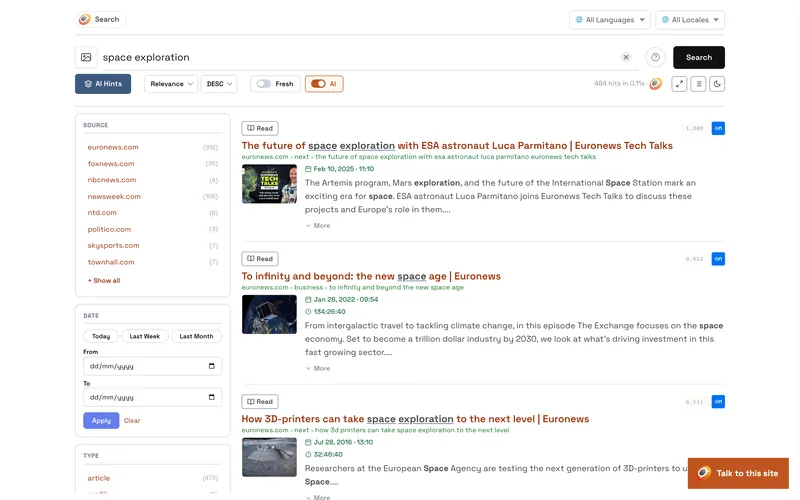
At the top of the Embed code tab, the switch Show the chat on the hosted search page and on your Drupal or WordPress site puts the chat button in the corner of the search page of your index, https://search.opensolr.com/YOUR_INDEX, and on every page of a Drupal or WordPress site connected to your index with the Opensolr Search module or plugin.
- Switch it on.
- Click Save settings.
The next visitor of the search page sees the chat. A Drupal or WordPress site shows it once its domain is in Domains of your site: it picks up the switch right away when you open its Chat Bot tab, otherwise on its own a little later. Switch it off and save, and the chat goes away from both. You do not need to list search.opensolr.com among your domains.
Chat Bot pages
- Chat Bot overview
- Three ways to have your chat bot
- What the chat bot needs
- Put the chat on your site
- Show it on your search page and site
- Assistant: instructions and time zone
- Chat window: look and words
- Limits
- Signed-in visitors
- Stats
- History
- What your visitors see
- Commands
- What it can look up
- What it uses from your plan