

Chat Window: Look and Words
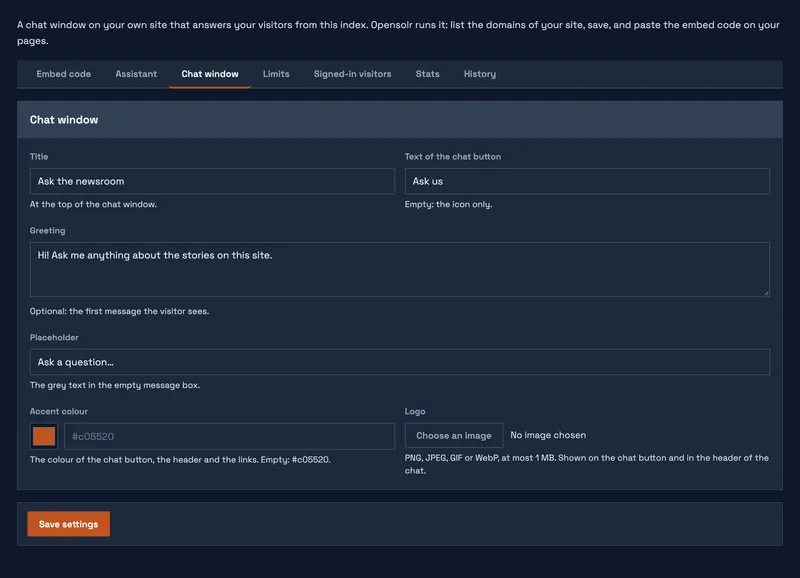
The Chat window tab sets what your visitors see:
- Title at the top of the chat.
- Text of the chat button; leave it empty for the icon only.
- Greeting, the first message of every conversation.
- Placeholder of the message box, followed by (type / for commands).
- Accent colour of the button, the header and the links.
- Logo: PNG, JPEG, GIF or WebP, up to 1 MB, shown on the chat button and in the header.
Click Save settings to keep the changes; the next page load shows them.
Chat Bot pages
- Chat Bot overview
- Three ways to have your chat bot
- What the chat bot needs
- Put the chat on your site
- Show it on your search page and site
- Assistant: instructions and time zone
- Chat window: look and words
- Limits
- Signed-in visitors
- Stats
- History
- What your visitors see
- Commands
- What it can look up
- What it uses from your plan