

Start a message with / and a command, and the answer comes at once.
01 · The commands
| Command | What it does | Example |
|---|---|---|
/search words | Searches your mail, in all your folders, and lists the conversations that match: the subject, linked, the sender, the date and the words found. | /search invoice march |
/time place | The local date and time at a place or at coordinates. Alone: your own time, in your phone’s time zone. | /time Tokyo |
/rate amount | Today’s exchange rate and the amount converted, written as amount, currency, to, currency. Add a date as YYYY-MM-DD for a past day. | /rate 100 EUR to RON |
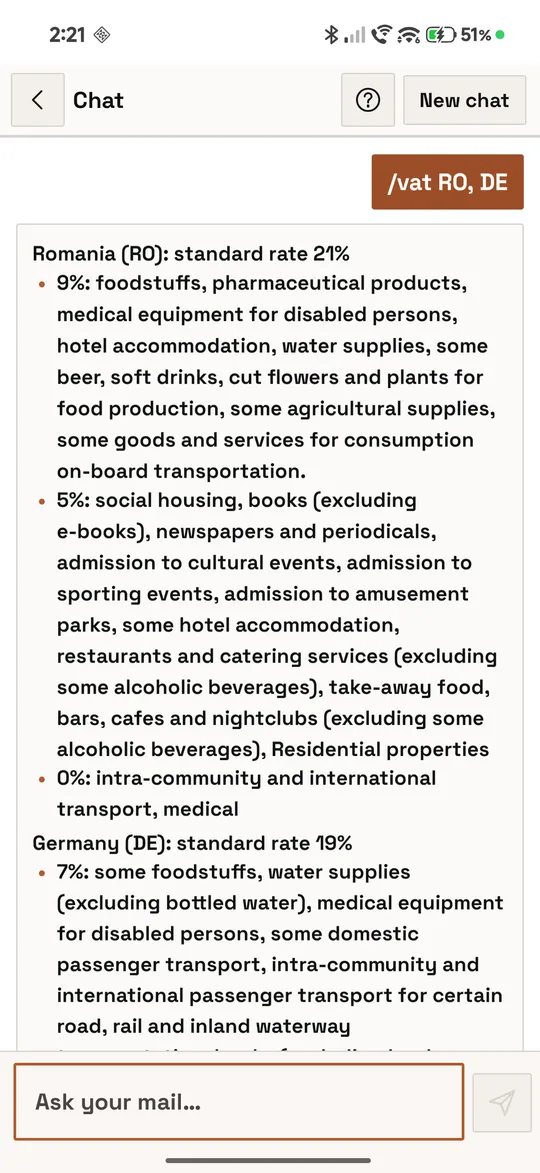
/vat countries | The standard and reduced VAT rates of European countries and the UK, by country code. | /vat RO, DE |
/vatcheck number | Checks an EU or UK VAT number and gives the registered company and its address. | /vatcheck IE6388047V |
/distance places | The straight-line distance between two places, in km and miles. | /distance Paris to Berlin |
/place place | A place, an address or coordinates: the coordinates, region, country, postal code and a map link. | /place Santa Clara, California |
/postal code or town | Postal codes and the streets that have them. | /postal 10115 Berlin |
/ip address | Where an IP address is: country, region, city, time zone and a map link. An address is required. | /ip 8.8.8.8 |
/language text | The language of a text and its sentiment. The sentiment is measured on English text. | /language Acest produs este excelent |
/translate languages text | Translates a text. See Translating. | /translate en-es What is this? |
/help | The list of commands. | /help |
- Other names for the same command:
/?and/commandsare/help;/geocodeand/findare/place;/currencyand/exchangeare/rate;/zipis/postal;/langand/sentimentare/language. - A command with nothing after it answers with its example.
/timealone gives your own time. - A command that does not exist answers There is no command /x., with the list of commands.
02 · Finding a command
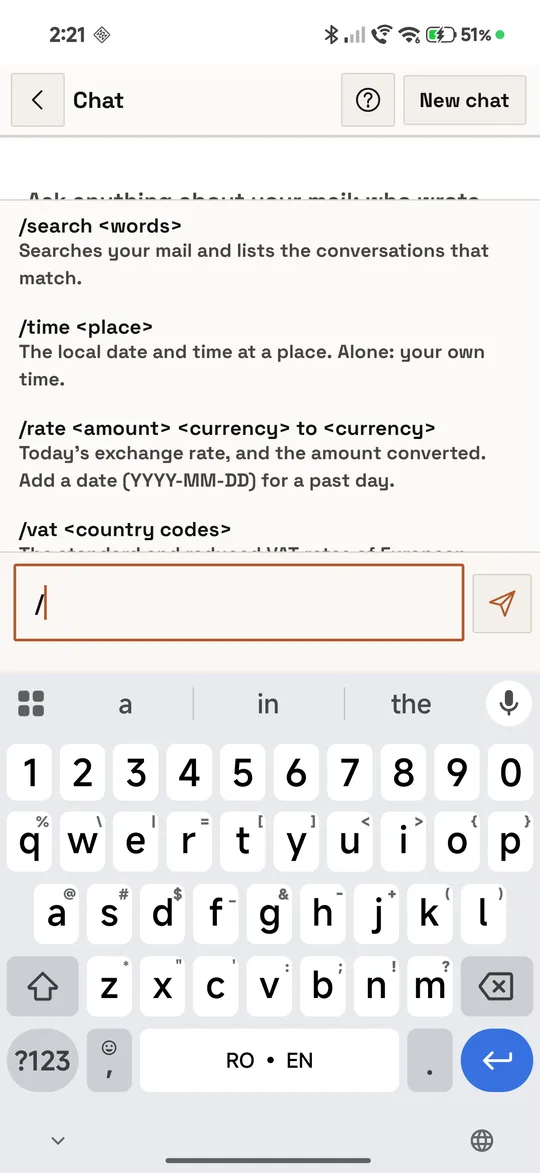
- Type / as the first character and the list of commands opens above the message box. Every letter you type narrows it; a tap puts the command in the box.
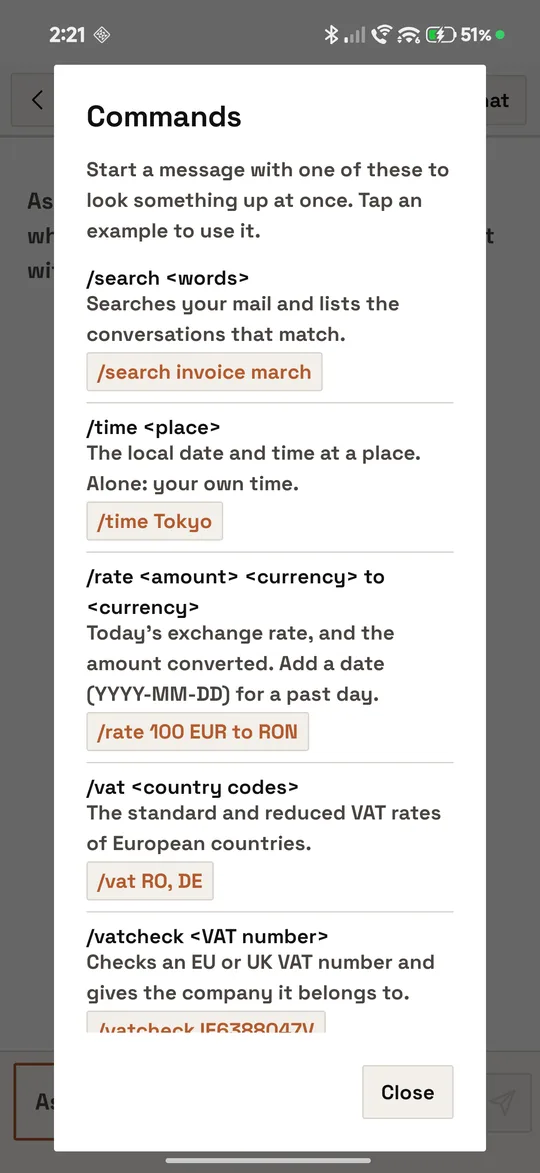
- The ? button in the chat’s top bar opens Commands: each command, what it does, and an example. Tap an example and it goes in the box.
03 · Free, or counted
Commands are answered at once on Opensolr’s servers, without the AI model, and cost no AI requests. Three can use your plan’s AI requests:
/translate: the AI model translates, 1 AI request./language: when the language cannot be told for sure, the AI model names it, 1 AI request./search: searches by meaning, 1 AI request, free when the same words were already searched by meaning.
More in What it uses from your plan.