

Ask your mail a question in your own words. The answer comes from your own mail, with every mail it used linked by its subject.
It needs an Opensolr account with AI in its plan.
The Chat button shows only when an Opensolr account is signed in in the app and your plan has AI with AI requests left this month, the same as the AI answer in Search. Everything else in the app works without it. See connecting an Opensolr account.
01 · Where the button is
- In every mail list, in the row of tools at the top: Chat, the two speech bubbles, right next to Search.
- On the Mailboxes screen, in the top bar.

02 · What it does
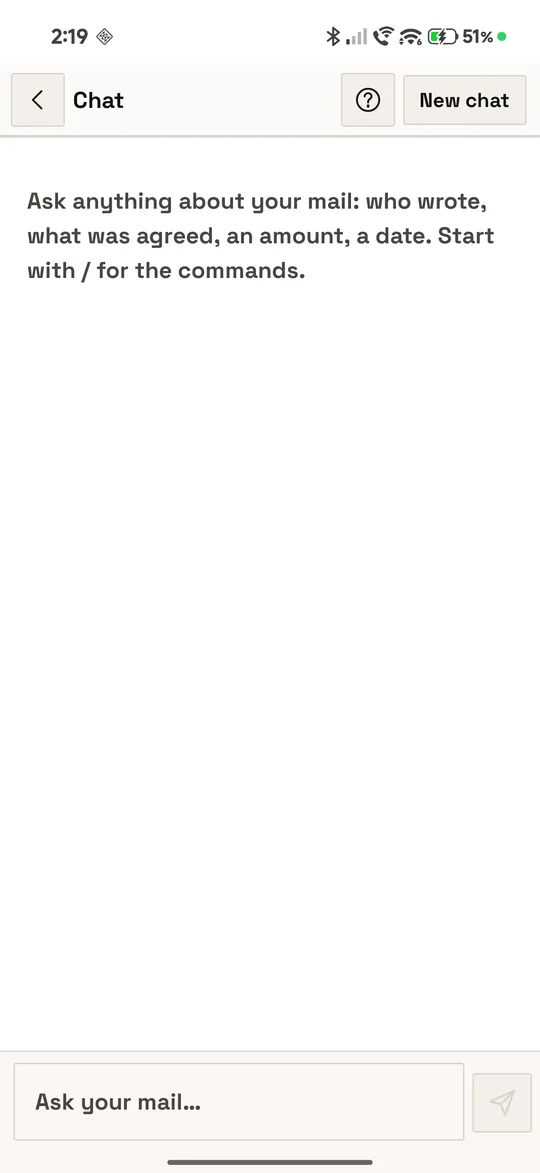
A new chat opens with one line: Ask anything about your mail: who wrote, what was agreed, an amount, a date. Start with / for the commands.
- You ask in your own words. Opensolr’s assistant, the AI model on Opensolr’s own GPU servers and the same one that writes the AI answer in Search, decides by itself how to look through your Opensolr Index, the way a person uses a search engine. How it searches.
- All your folders, only this phone’s accounts. Every search looks in all the folders of the accounts signed in on this phone, Trash and Junk included, and the answer says which folder each mail is in.
- The latest one. “The last invoice from …” finds the mails that match, with recent mail boosted, never simply the newest mail in your inbox; “and the one before it?” goes back from there.
- The answer is written as it comes, in your language, with the mails and attachments it came from linked, in the answer or as small pills under it. The answers.
- A conversation. Follow-ups such as “and in October?” go on with what you were asking about, and a correction is taken as true and the mail read again. The 20 earlier messages go with each question.
- Commands. A message that starts with / looks something up at once: a local time, an exchange rate, VAT rates, a translation. Commands.
- It stays on the phone until you start a new chat, or until it holds 50 questions and a new one starts on its own. Keeping and clearing a chat.