

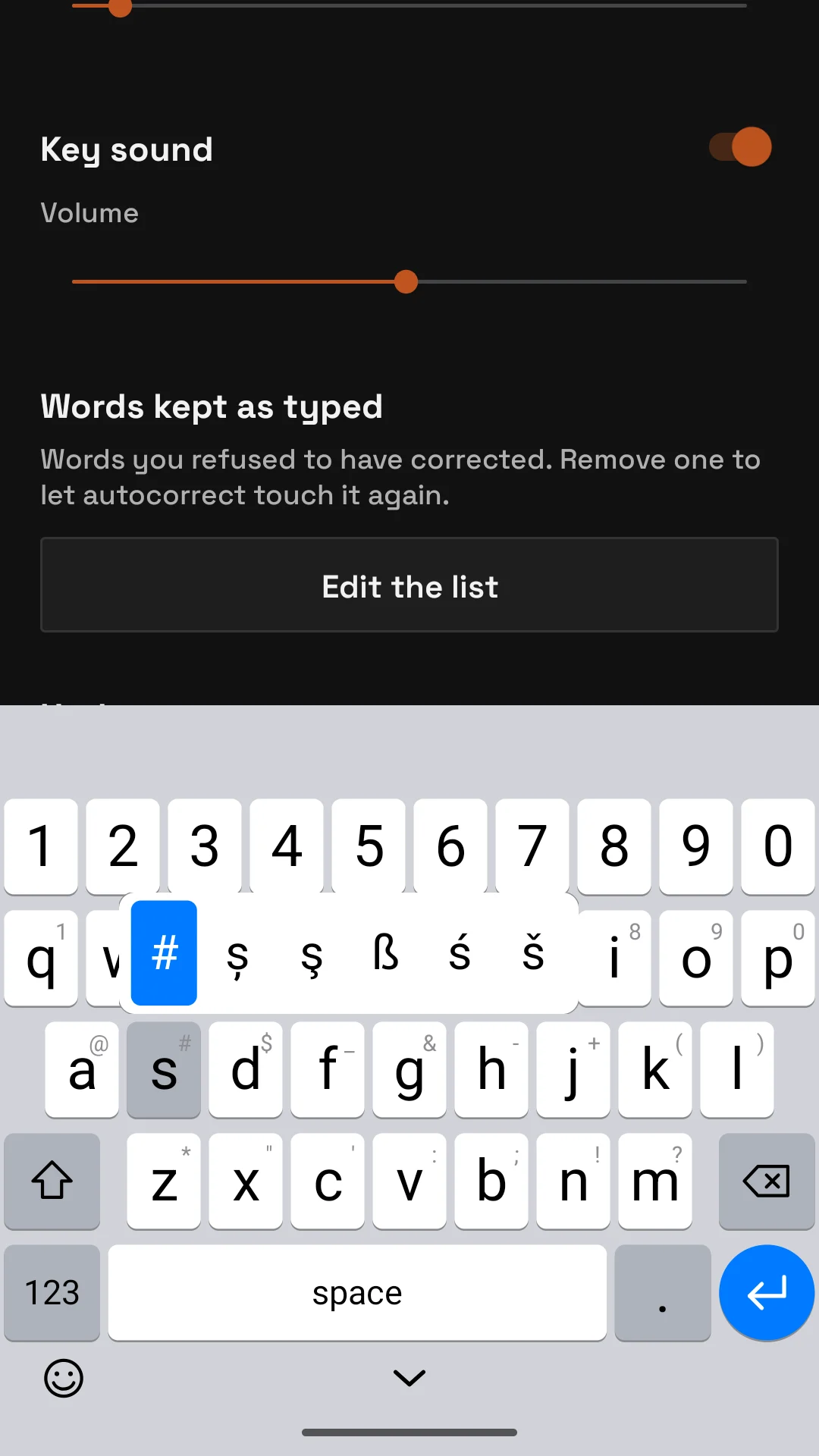
Hold a key and a row of alternatives opens above it. Slide your finger to the one you want and lift. The first one is selected already, so hold and lift gives it at once.
01 · What each key gives
- Letters: first the symbol printed in the key’s corner (the digits on the top row, then @ # $ _ & - + ( ) on the middle row and * " ' : ; ! ? on the bottom one, as on Gboard), then the accented forms of the letter, the Romanian ones first: ă â on a, î on i, ș on s, ț on t. With shift on, the accents come out as capitals.
- The period key right of space: the usual punctuation, @ " ' _ - ? ! ; / : , and the period. The comma is selected first, the period one step to the right.
- Digits: superscripts and fractions, ¹ ½ ⅓ ¼ on 1, ² ⅔ on 2, and so on; the degree sign on 0.
- Hyphen: en dash, em dash, bullet. Dollar: € £ ¥ ₩ ₽. Quotes: the curly and the German and French ones. ? and !: their upside-down forms.
02 · How long is a long press
Long press delay in Settings sets it, from 50 to 550 ms in steps of 50; the default is 200 ms. Shorter opens the row sooner; longer leaves more room for a slow tap.
Typing
- The keys
- Long press: accents and symbols
- Autocorrect
- Words kept as typed
- Emoji