

Autocorrect works offline, for English and Romanian, from word tables bundled in the app. It touches only words that are not in the dictionary, and it looks at the words around them before it decides.
- Words not in the dictionary. A word the tables know is never changed. A word they do not know is replaced, on space or punctuation, when a known word is close enough and fits the words before and after it.
- Romanian diacritics, from context. ca si becomes ca și. A word that could go either way, ca or că, is looked at again once the next word is known.
- English confusables the same way: their and there, its and it’s, decided by what comes before and after.
The tables hold about 330,000 Romanian and 262,000 English words, with every inflected form of the Hunspell dictionaries LibreOffice ships, and the word and word-pair counts of subtitles, news and Wikipedia text in each language (see Open source). They are inside the app; no dictionary is downloaded, ever.
A spelling that is only a frequent slip in those texts, teh or recieve, is not taken as a word, so it is still corrected. A three-letter slip is corrected only towards the most common words: teh becomes the, a short word you meant stays as typed.
- Backspace right after a correction puts your word back as you typed it.
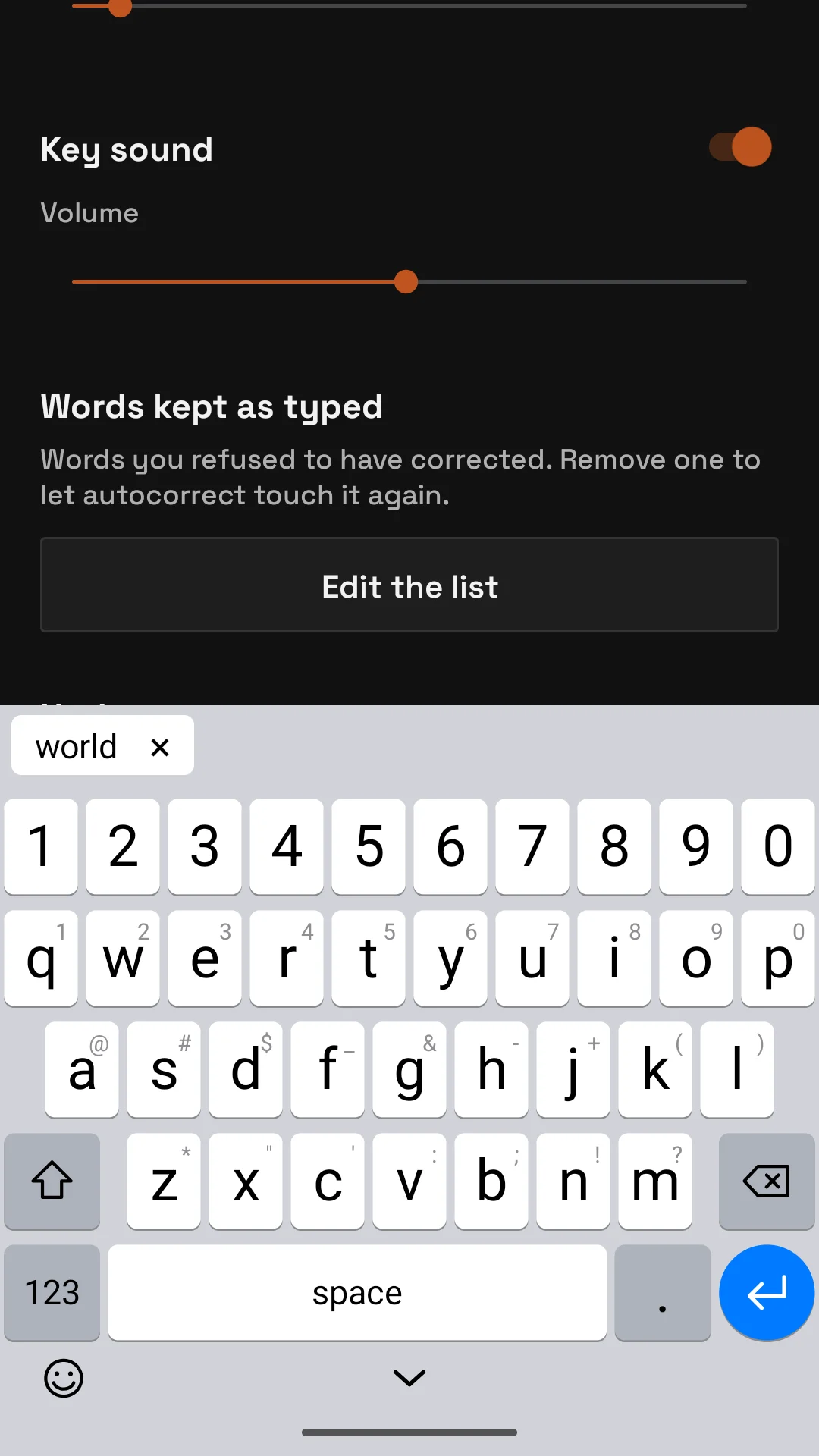
- The × next to the suggestion in the bar keeps your word as typed and remembers it: it goes on the list of words kept as typed and is never corrected again.
- Put the cursor in a word, or right before it, and its suggestion comes back in the bar, read with the words around it. Tap it and the whole word is replaced.
- Select some text, a word or a whole sentence, and the bar offers the selection with every word autocorrect would fix corrected, each one judged with its neighbours. Tap it to replace the selection.
Autocorrect languages in Settings has a switch for English and one for Romanian. Both on means a word is checked against both; both off means no corrections at all.
Passwords, web and email addresses, fields that ask for no suggestions and the number pads are never corrected.