

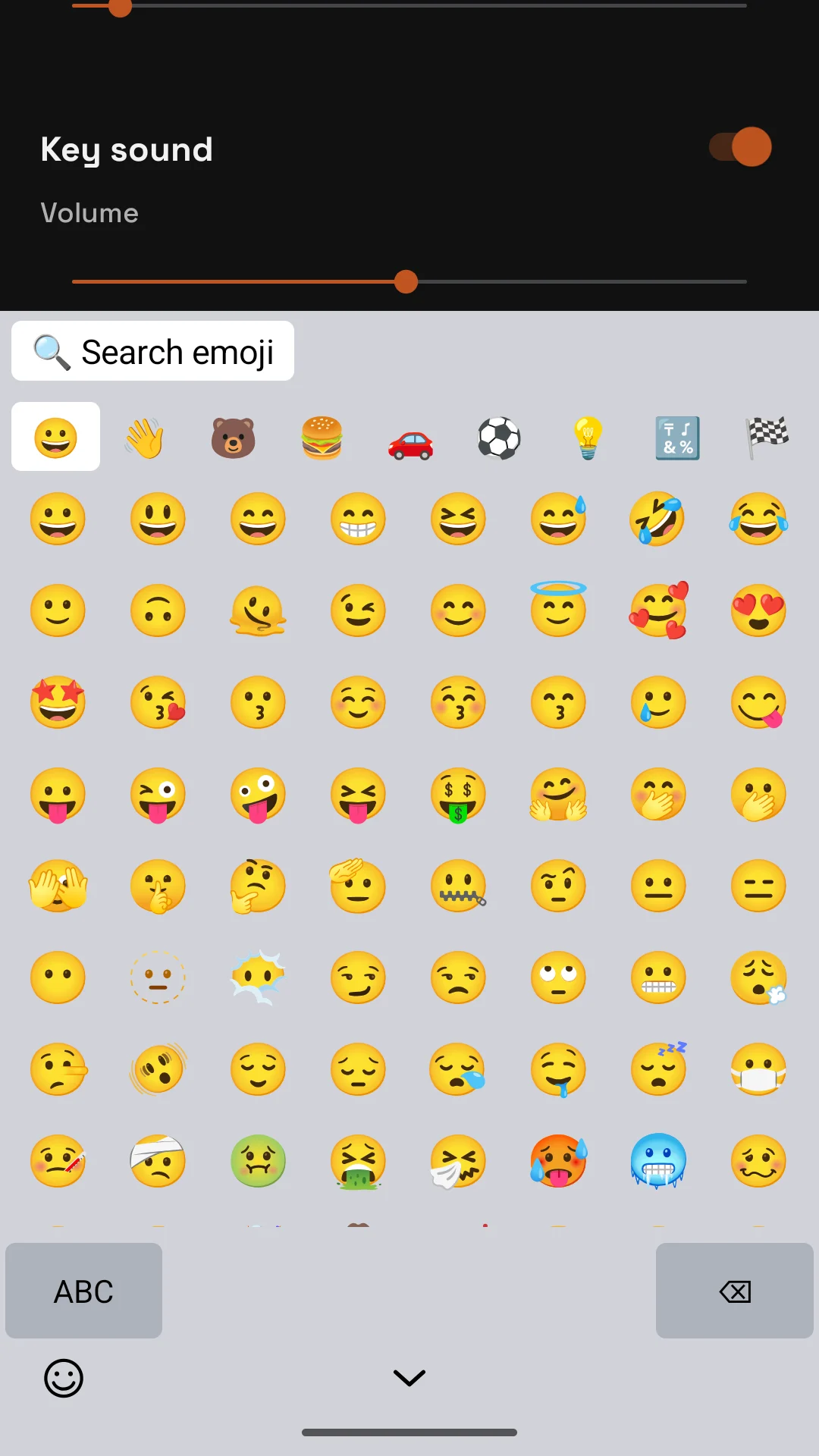
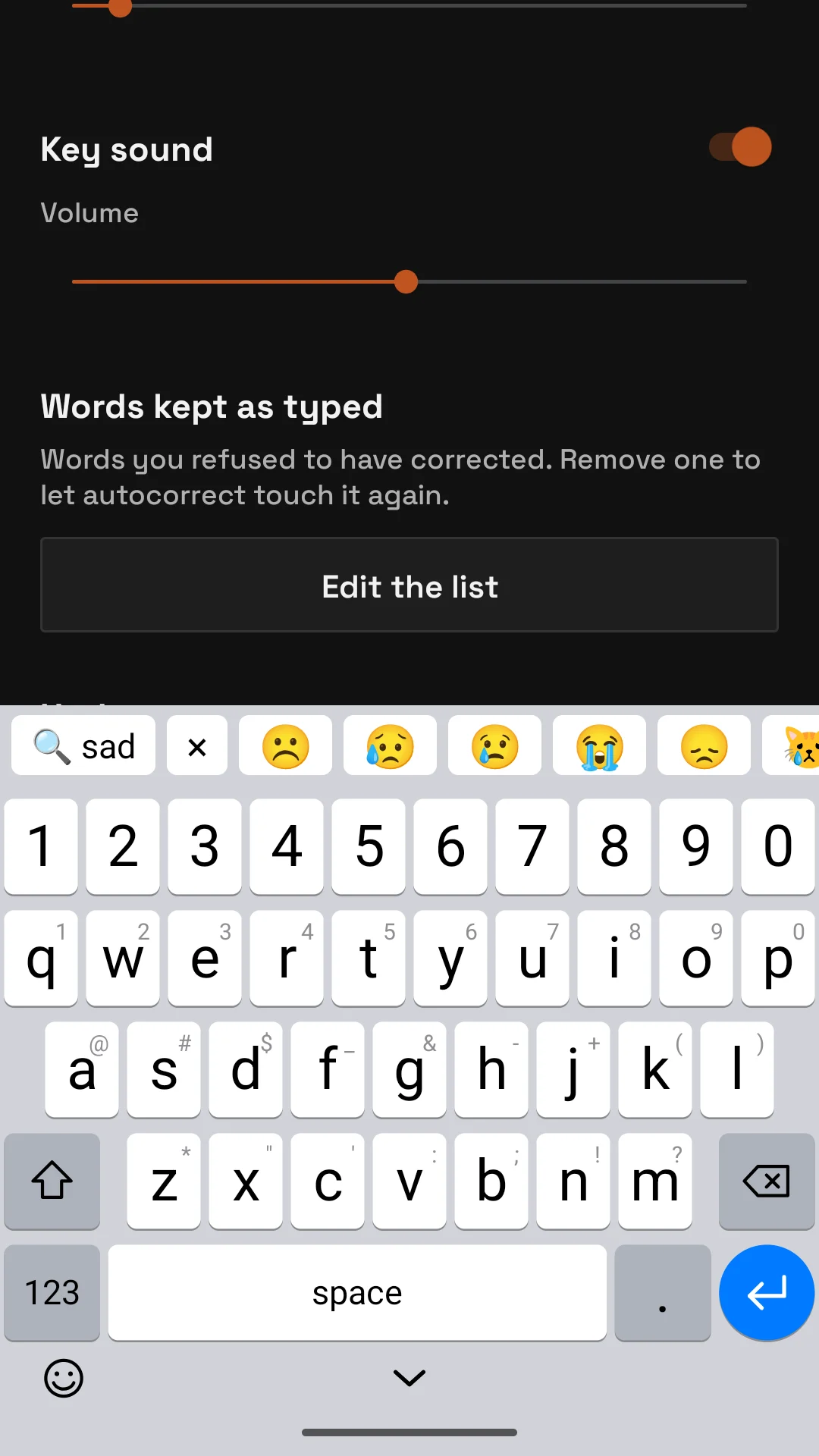
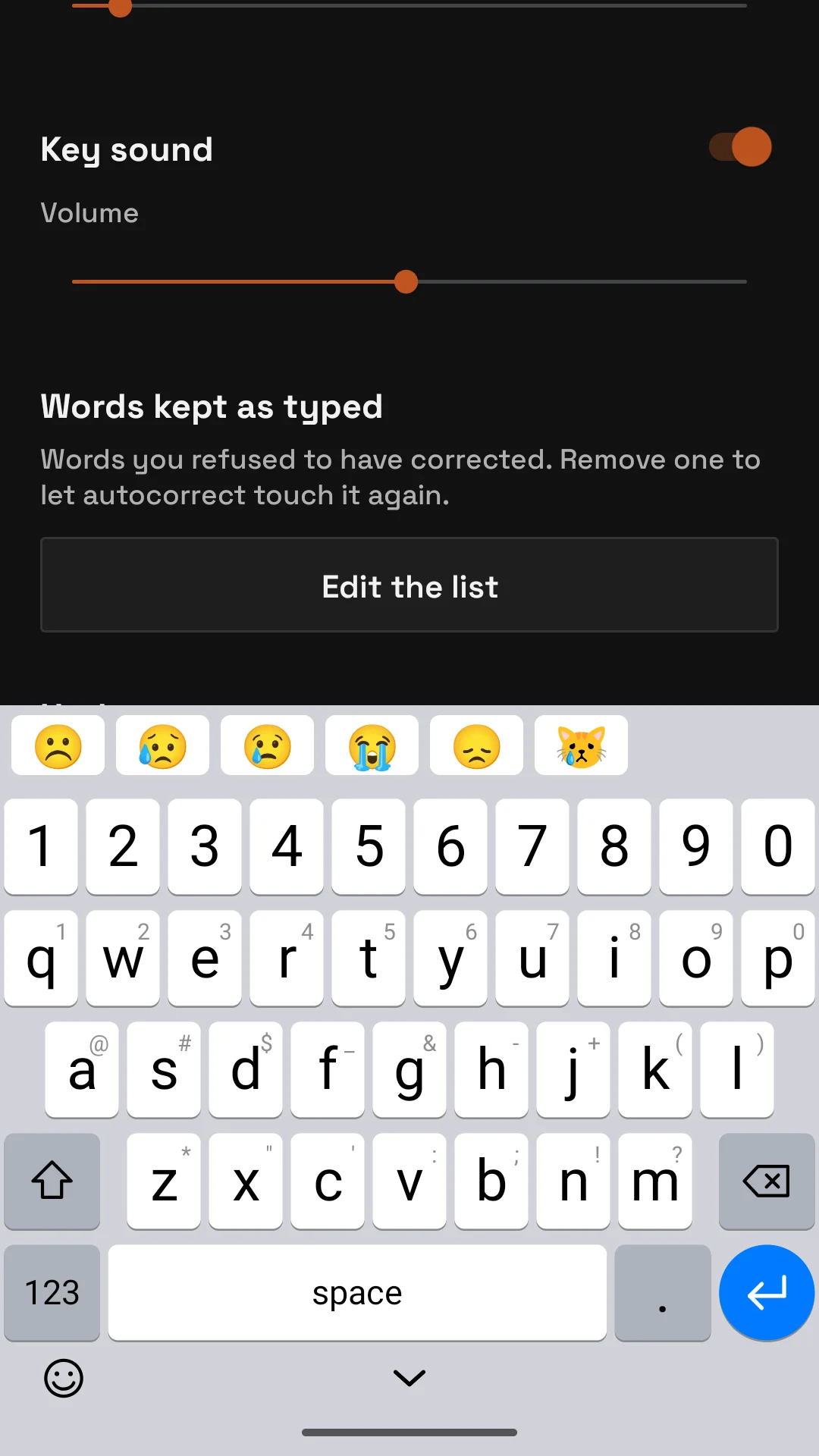
The emoji key at the bottom left opens the panel. While you type, emoji that fit the word show up in the bar above the keys.
01 · The panel
- Groups in a row at the top: smileys, people, animals, food, travel, activities, objects, symbols, flags. Tap one to jump to it, or scroll through all of them.
- Search emoji at the top: type a word and the grid narrows to the emoji whose name or keywords contain it.
- ABC brings the letters back, delete removes the last emoji.
02 · From the keys
- While typing a word, the bar shows the emoji that match it: sad, lol, cat. Tap one to insert it, keep typing to ignore them.
- A colon before the word, :facepalm, searches by name from the keyboard itself, without opening the panel; the × in the bar clears it.
The names and keywords come from the gemoji list (see Open source); the pictures are your phone’s own emoji.