

The Solr query browser Solr never shipped.
Every Opensolr Index comes with a Query tab in its Control Panel. Build any Solr request in a form or paste one from a log, run it, and read the answer as a JSON tree or a sortable table. Search inside the results, fix a document in place, delete the ones you picked, export to CSV, HTML or PDF, and save the query for next time.
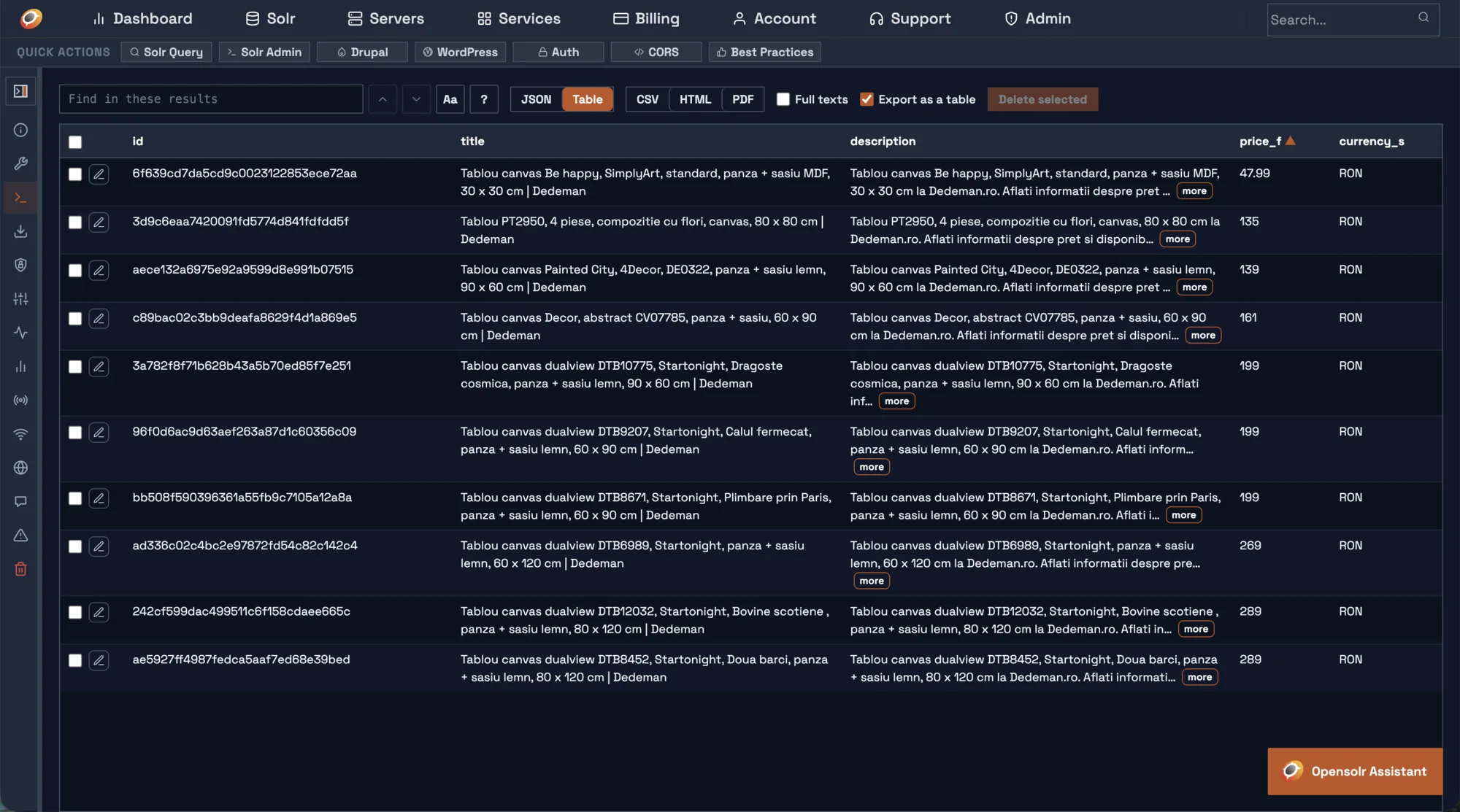
Every parameter Solr knows, in one clean form.
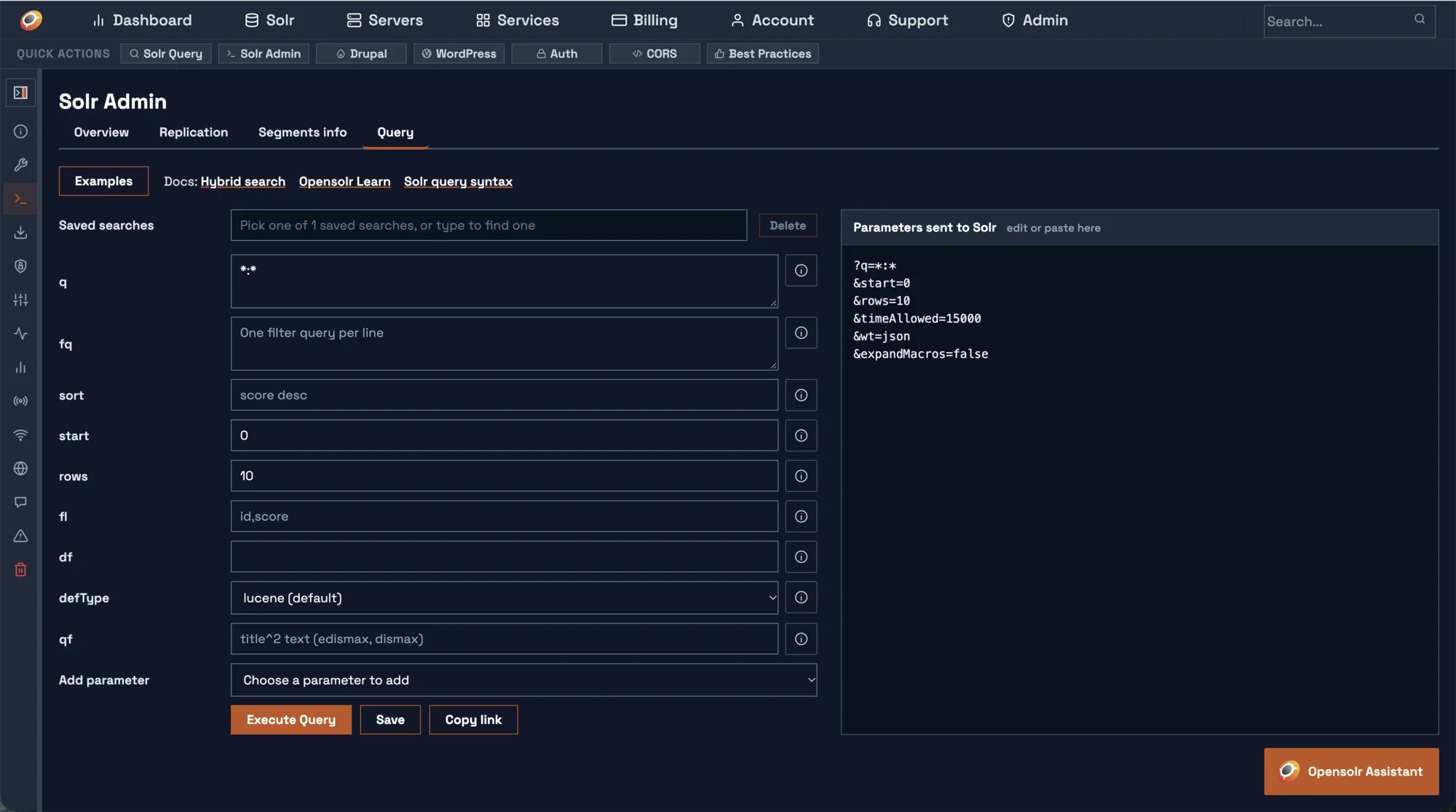
The form opens with the parameters most searches use. Everything else is one pick away, grouped the way Solr groups it.
- The everyday fields up front:
q,fq,sort,start,rows,fl,df,defTypeandqf. - Add parameter lists the rest by group: edismax and dismax, highlighting, faceting, grouping, spellcheck, more like this, rerank, vector and hybrid search, response and debug.
- Custom parameter takes any other name and value.
- One value per line for fields that take several, like
fq. Empty fields are never sent.
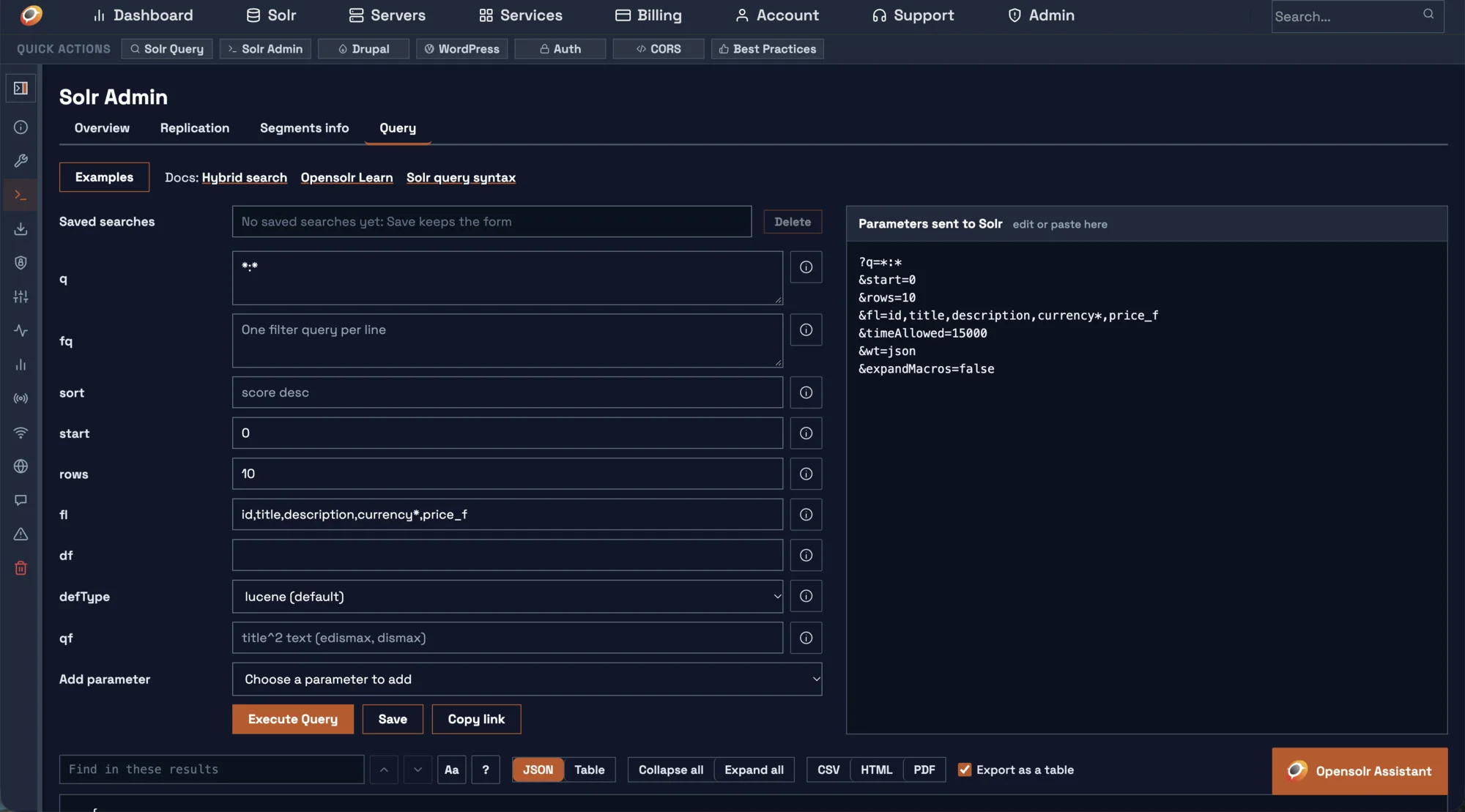
Never look up Solr syntax again.
The i button beside each field says what it does and gives working examples: phrase searches, ranges, date math, wildcards, fuzzy and proximity matches, field boosts. Use this puts an example straight into the field. The Examples button opens whole ready-made queries.
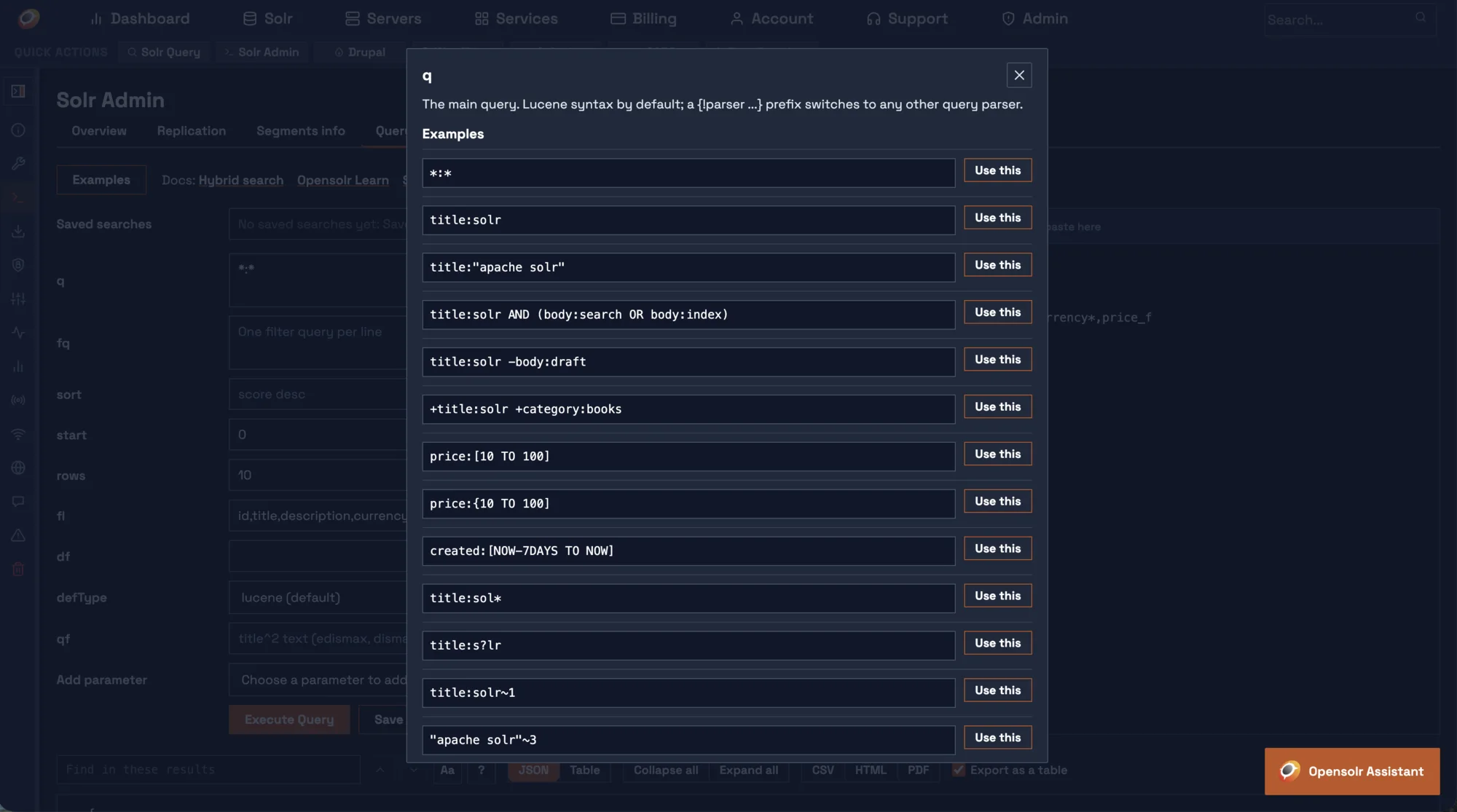
q: the whole Lucene syntax as examples you can use.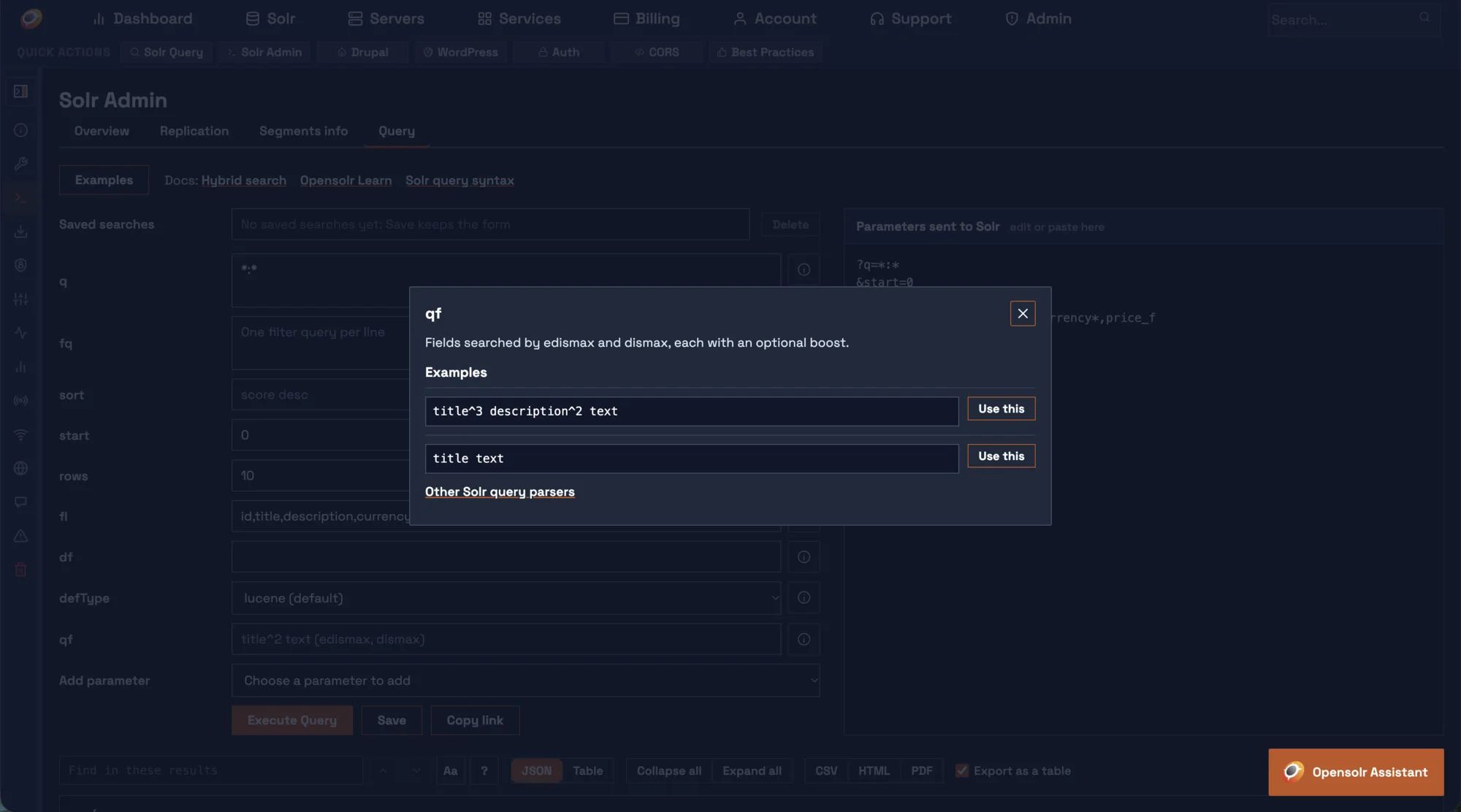
qf: field boosts for edismax and dismax.Got a query in a log? Paste it.
The Parameters sent to Solr box beside the form works both ways: it shows the exact request as you type, and it takes one in.
- A full URL, a query string, a line from your Solr log, or one
name=valueper line. - The whole form fills in from what you paste, ready to change and run again.
- What runs is what you see.
wt=json,expandMacros=falseand a time limit are always added, and shown.
Results you can actually read.
The full answer of Solr, as Solr sent it: documents, facets, highlighting, debug and anything else you asked for, in the view that suits it.
A JSON tree that folds
Every object and array opens and closes on its own, or all at once with Collapse all and Expand all. Long lists show their first 10 values, then Show all.
A table, sortable by any column
One row per document, one column per field. Click a column to sort by it. Long values are cut short with a more button, and Full texts shows them whole.
Find inside the results
Type a word or a regular expression and every match is marked. Enter and Shift+Enter move between them, and Aa makes the search match case.
Fix a document where you found it.
When the results carry the unique key of your index, the table turns into an editor.
Edit one document
The pencil on a row opens the stored fields of that document. Only what you change is sent, as an atomic update, and an edit that would lose data is refused. On an index with vectors, saving computes the vector again from the new text.
Delete the rows you pick
Tick the rows, click Delete selected and confirm once. The documents go in batches, and every row shows whether it is waiting, deleted or failed.
Take the results with you. Keep the query.
CSV, HTML and PDF
CSV is always a table. HTML and PDF come as a table or as the JSON, with Export as a table. The file has what you see, in the order you sorted it.
Saved searches
Save keeps the whole form under a name, per index and per person. Pick a saved search from the list, or type to find it.
A link to every query
The form lives in the page address. Copy link, bookmark it or refresh the page, and the same query is back.
What the classic query screen never had.
| Feature | Stock Solr Admin | Opensolr Query tab |
|---|---|---|
| Results | Raw response text | Folding JSON tree or sortable table |
| Find in results | No | Words or regular expressions, every match marked |
| Edit a document | No | Atomic update from the row |
| Delete documents | No | Pick rows, delete in batches |
| Export | No | CSV, HTML, PDF |
| Saved searches | No | Per index, searchable |
| Help and examples per field | No | On every field, one click to use |
Open the Query tab on your own index
It is in the Control Panel of every Opensolr Index, under Solr Admin. How Solr Admin works.